If you install Windows 10 RTM and Dynamics NAV 2015 development environment you will notice that the scrolling on the development environment with your mouse wheel does not work.
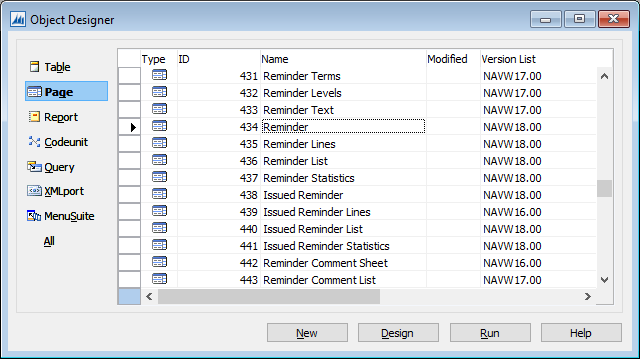
I was pointed to this by the NAV Yammer group and found it hard to believe since I’ve been testing with Windows 10 for a while.
This is a bug and will be fixed by Microsoft.
Fortunately Mibuso has the answer.
http://mibuso.com/forum/viewtopic.php?f=32&t=64837
It seems to be a setting in Windows 10
Go To: Settings – Device – Mouse & Touchpad – Turn Off “Scroll inactive windows when I hover over them”

Thanks massicm!
 Marije...
3 responses to “Tip #51 – Scrolling Development Environment in Windows 10”
[…] Brummel (MVP): Found some issues with scrolling in the Development Environment and a tip how to fix […]
LikeLike
Be aware, that PowerShell cmdlets have problems under win 10!
LikeLike
Just upgraded to 10 today… Can’t say thanks enough for posting this as I was going to lose my mind.
LikeLiked by 1 person