This post is more a reminder for myself, each time I run into this when installing NAV on customers machines I have to search for the command.
I love modern development, PowerShell, TFS, etc. But it does not make life easier to understand all these technologies.
When running PowerShell on a new machine you might encounter this error:
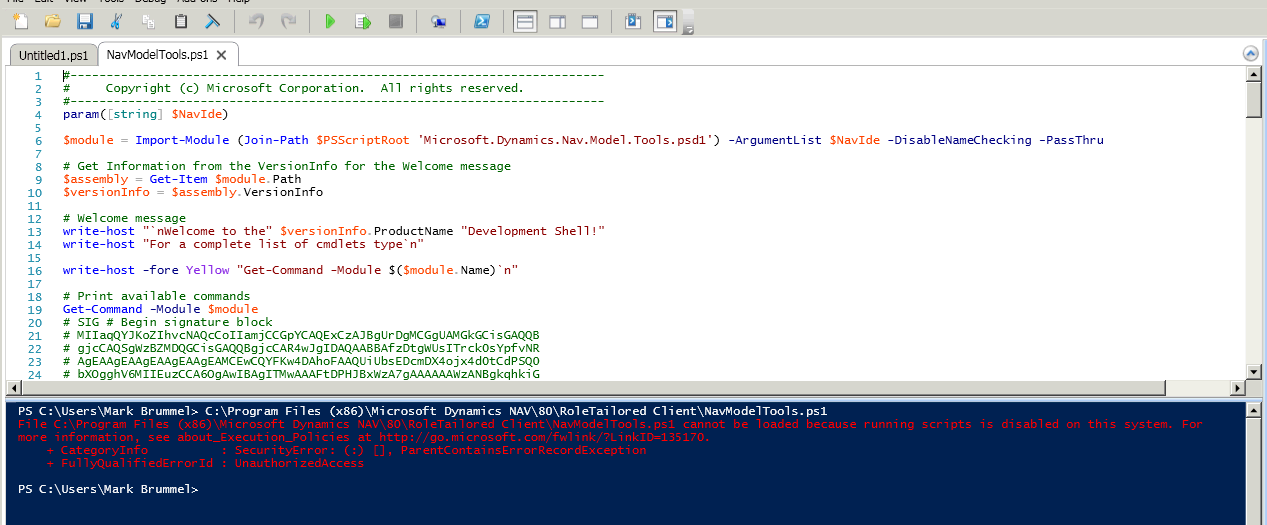
It is telling you that PowerShell scripts are disabled.
Enabling is easy by running the Windows PowerShell IDE as administrator and executing this:
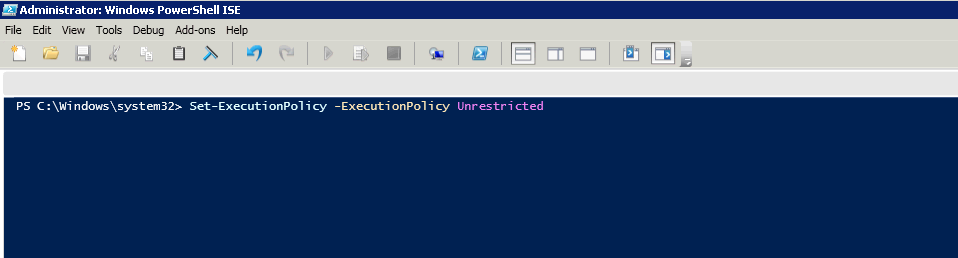
Works for me. After this I can work with the Development Commandlets.
 Marije...
One response to “Tip #44 | First time PowerShell, enable Scripts”
I’d suggest you would run in remotesigned mode. The NAV powershell tools are signed with a certificate and thus will run. Unrestricited will make your machine more vulnerable to “script kiddies” basically you will get a machine where it will run any script any time.
If your script does not work in remotesigned, then you can always try to run the script creating a powershell.exe -file “script file goes here.ps1” -executionpolicy bypass.
Powershell will then run the script in the Unrestricted mode, but only that script.
LikeLike